
How to fix Discord stream lag: resolve stutter & stream error 2003/2007
Direct Answer: Discord stream lag is caused by GPU encoder saturation, conflicting hardware acceleration, or bitrate throttling. Cap in-game framerates to free 5% GPU overhead for NVENC/AV1, disable 'Use latest technology' in Discord capture settings, and monitor GPU load with SysCubes.
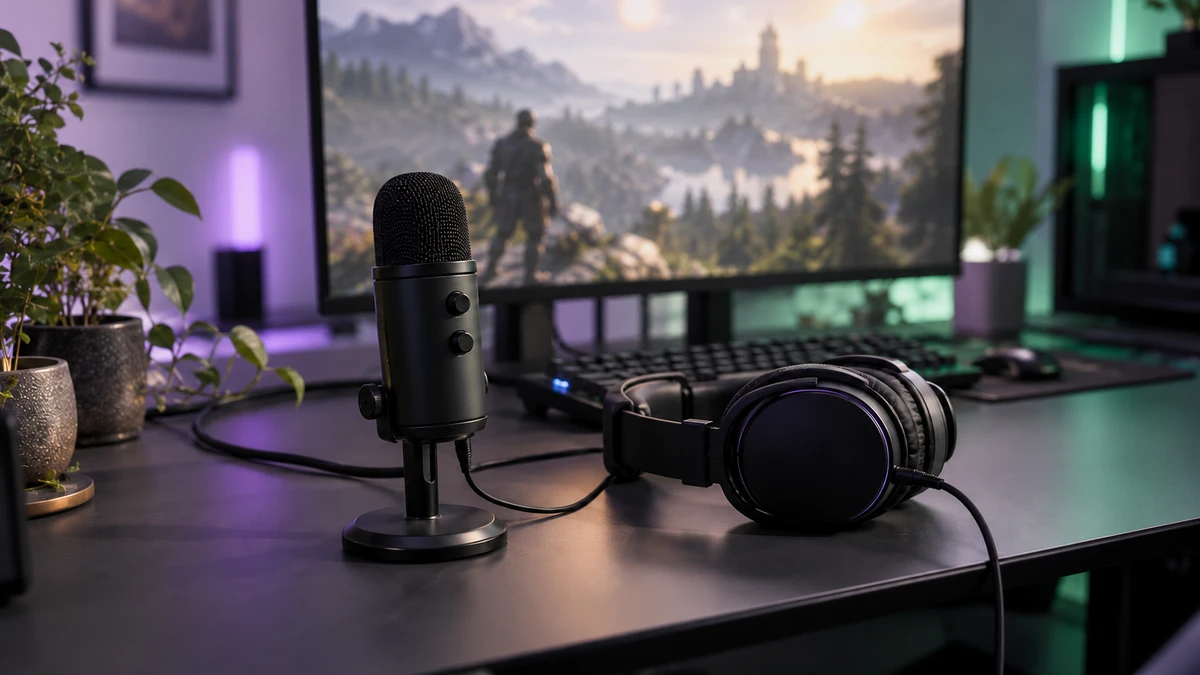
Option 1: Configure Hardware Acceleration & Video Codecs
Discord can encode video using your dedicated GPU (NVENC/AV1/AMF) or fallback to software CPU encoding. Misconfigured encoder options cause stream freezing and error 2003/2007.
GPU vs CPU encoding Hardware acceleration delegates video encoding to the dedicated chip on your GPU, leaving your CPU free to maintain high game framerates.
- Open Discord User Settings, navigate to Voice & Video, and scroll down to the Advanced section.
- Enable OpenH264 Video Codec and H.264 Hardware Acceleration.
- If your stream crashes with black screens, toggle Use our latest technology to capture your screen to OFF to restore stable legacy capture.
Option 2: Cap In-Game FPS to Leave GPU Encoder Headroom
When a modern game runs completely uncapped, it consumes 99% to 100% of GPU 3D rendering resources, starving Discord's video capture hook and causing severe stream stutter.
Encoder headroom Capping FPS slightly below your GPU's ceiling guarantees 3% to 5% free GPU resources for smooth 60 FPS Discord streaming.
- Open your game's graphics settings and enable an in-game framerate cap (e.g. 144 FPS or 240 FPS).
- Alternatively, use your GPU control panel (NVIDIA Control Panel or AMD Software) to set a global Max Frame Rate.
- Verify in Task Manager or SysCubes HUD that total GPU utilization hovers below 96%.
Option 3: Stream the Application Window, Not Entire Screen
Streaming your 'Entire Screen' captures the Windows Desktop Window Manager (DWM) composition buffer, which forces extra rendering passes and introduces micro-stutters.
Targeted hook Selecting the specific game executable hooks directly into the DirectX swapchain, minimizing latency and maximizing visual fidelity.
- When initiating a Discord stream, select the specific Application tab rather than 'Screens'.
- Set resolution to 720p 60fps or 1080p 60fps (avoid 1440p+ unless both you and your viewer have high-bandwidth connections).
- In Discord settings, disable 'Use an experimental method to capture audio' if sound cuts out.
Option 4: SysCubes Performance Monitor & In-Game Audio Mixer Recommended HUD & Volume Tool

SysCubes tracks GPU utilization and temperatures in real-time, helping you identify encoder bottlenecks while providing an in-game volume mixer to balance Discord voice volume without Alt-Tab.
In-game stream control Balance your stream and friend audio on the fly with Alt + V while monitoring live hardware load with Alt + O.
- Download SysCubes free for Windows via Overwolf.
- Press Alt + O to check live GPU load during streaming; if GPU hits 100%, lower graphics settings or cap FPS.
- Press Alt + V to adjust individual Discord voice channel or music volume without leaving full-screen gameplay.
Monitor GPU load & adjust volume
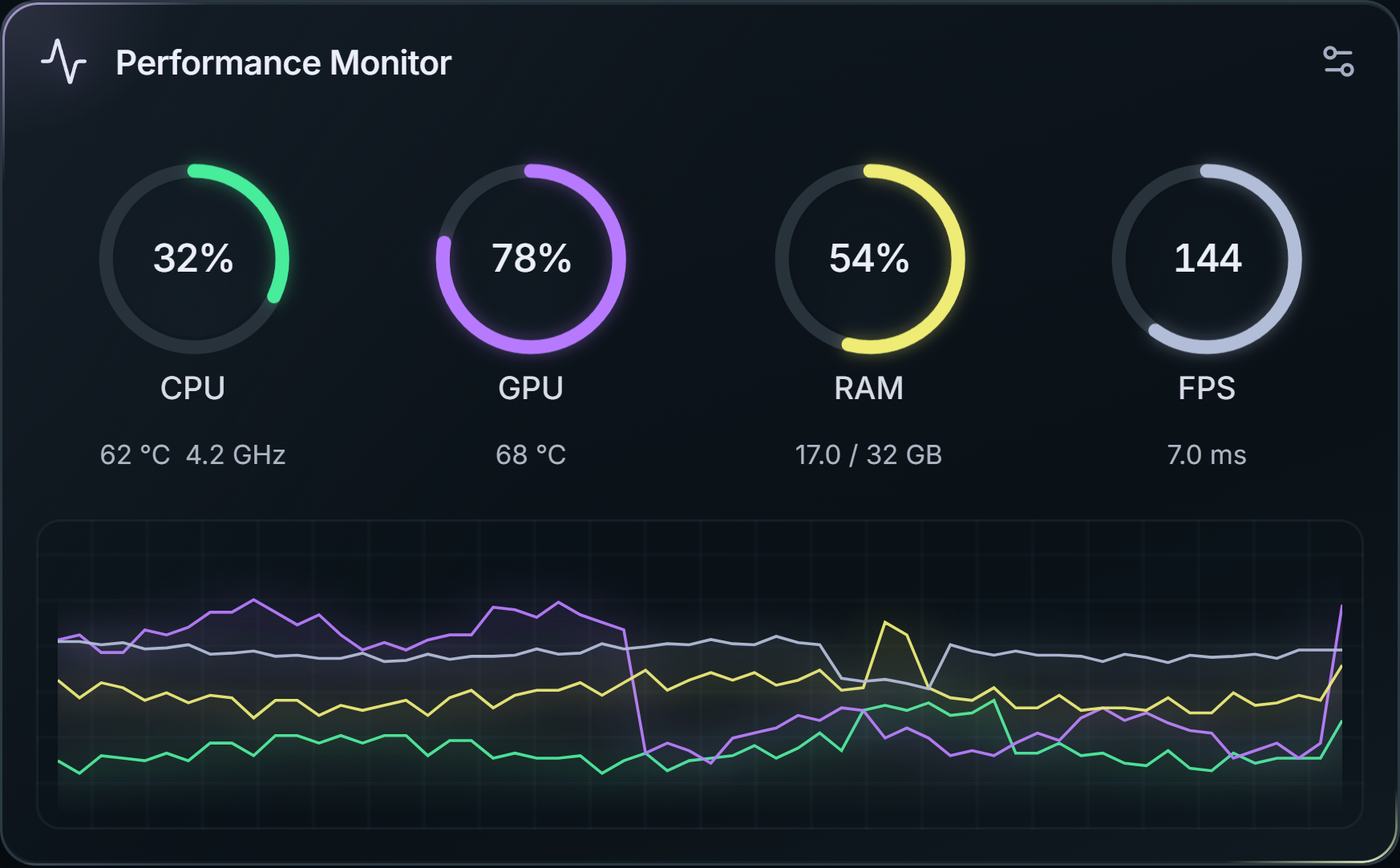
Identify GPU encoding bottlenecks and adjust Discord audio without minimizing your game.
Troubleshooting Discord streaming errors
What causes Discord stream error 2003 and 2007?
Error 2003 and 2007 occur when Discord loses connection to the voice and video gateway. This is typically triggered by GPU driver crashes, strict firewall UDP blocks, or conflicting third-party overlays.
Why does my Discord stream lag but my game runs fine?
Windows prioritizes the active game process over background apps. If your GPU runs at 99-100% capacity, Windows starves Discord's encoding process of rendering cycles, making the stream stutter while your game feels smooth.
Does AV1 streaming work on Discord?
Yes, Discord supports AV1 hardware encoding on NVIDIA RTX 40/50 series, AMD RX 7000/9000, and Intel Arc GPUs, delivering superior image clarity at lower bitrates.
Frequently asked questions about Discord stream lag
Should I turn Discord Hardware Acceleration ON or OFF?
Turn Hardware Acceleration ON if you have a modern dedicated GPU (GTX 1660, RTX 20/30/40 series, or Radeon RX 6000+). Only turn it OFF if your GPU driver crashes or you are on a very low-end integrated graphics PC.
Why does Discord stream drop FPS in Valorant or Fortnite?
Valorant and Fortnite push high framerates that can saturate CPU or GPU rendering. Capping in-game FPS 5-10 frames below maximum ensures Discord has enough processing bandwidth to encode smoothly.
How can I balance Discord voice volume without Alt-Tabbing?
Use SysCubes In-Game Volume Mixer (Alt + V). It lets you turn individual applications up or down directly in an overlay while your game stays active on screen.
Does Nitro improve Discord stream performance?
Discord Nitro unlocks 1080p and 4K 60fps streaming, but higher resolutions require significantly more bandwidth and encoding power. If your PC or connection is lagging, 720p 60fps provides the smoothest viewing experience.
Related guides and tools
Sources and technical documentation
Official documentation from Discord support and graphics hardware manufacturers.