
Comparisons & Alternatives
More of Your PC Setup, Together With SysCubes
If you want gameplay clips, performance readings, music and app audio in one personal workspace, SysCubes is a strong fit. Compare the workflows below to see how it fits your routine and where a specialist tool adds value.
Deep Dives
Detailed Software Comparisons
See the practical reasons to choose SysCubes, with direct comparisons for the monitoring, capture and phone-control tasks you care about.
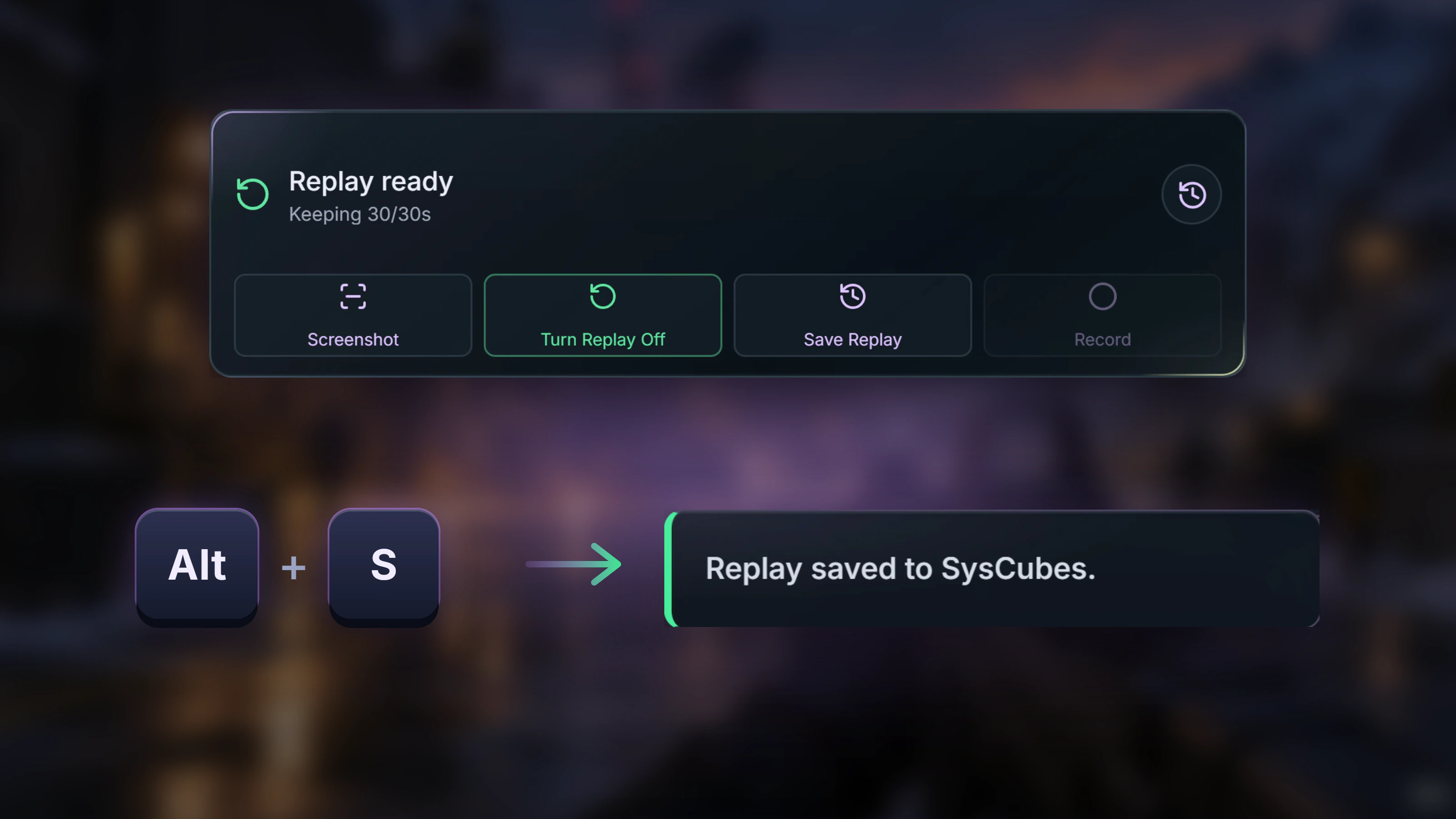
Which Game Clipping Software Fits Your Workflow?
Want your clips beside your PC controls? Explore the SysCubes workspace, then compare Medal, Outplayed and OBS for automatic highlights, editing, sharing and audio routing.
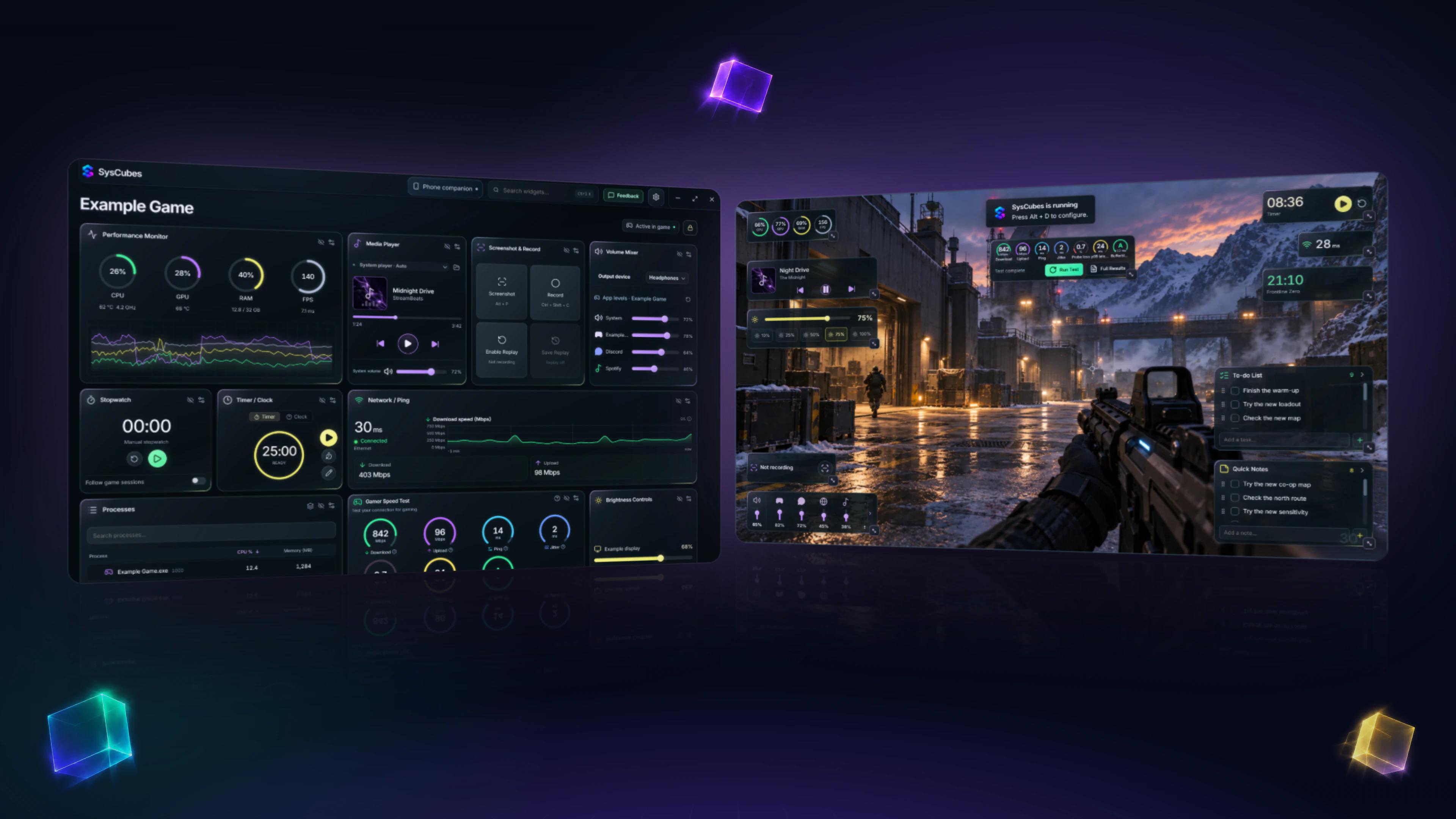
SysCubes vs NVIDIA ShadowPlay
Capture instant game replays without forced GeForce logins, driver-suite bloat, or GPU brand restrictions. Compare local clipping workflows on Windows.
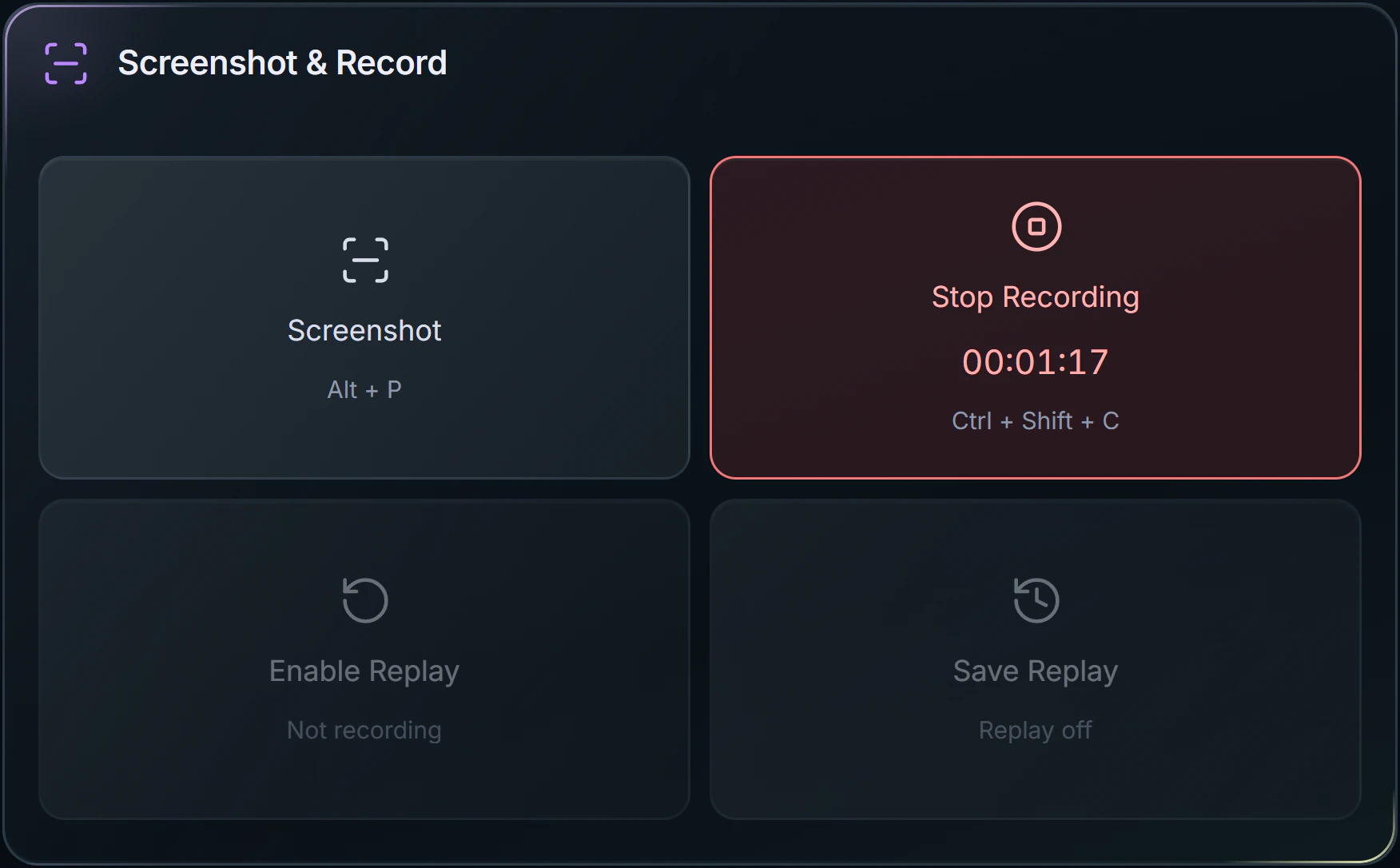
SysCubes vs Outplayed for PC Gameplay Clips
Choose the moments worth keeping with SysCubes manual replay saves while your readings and controls stay nearby. Compare that workflow with Outplayed event highlights and recording modes.
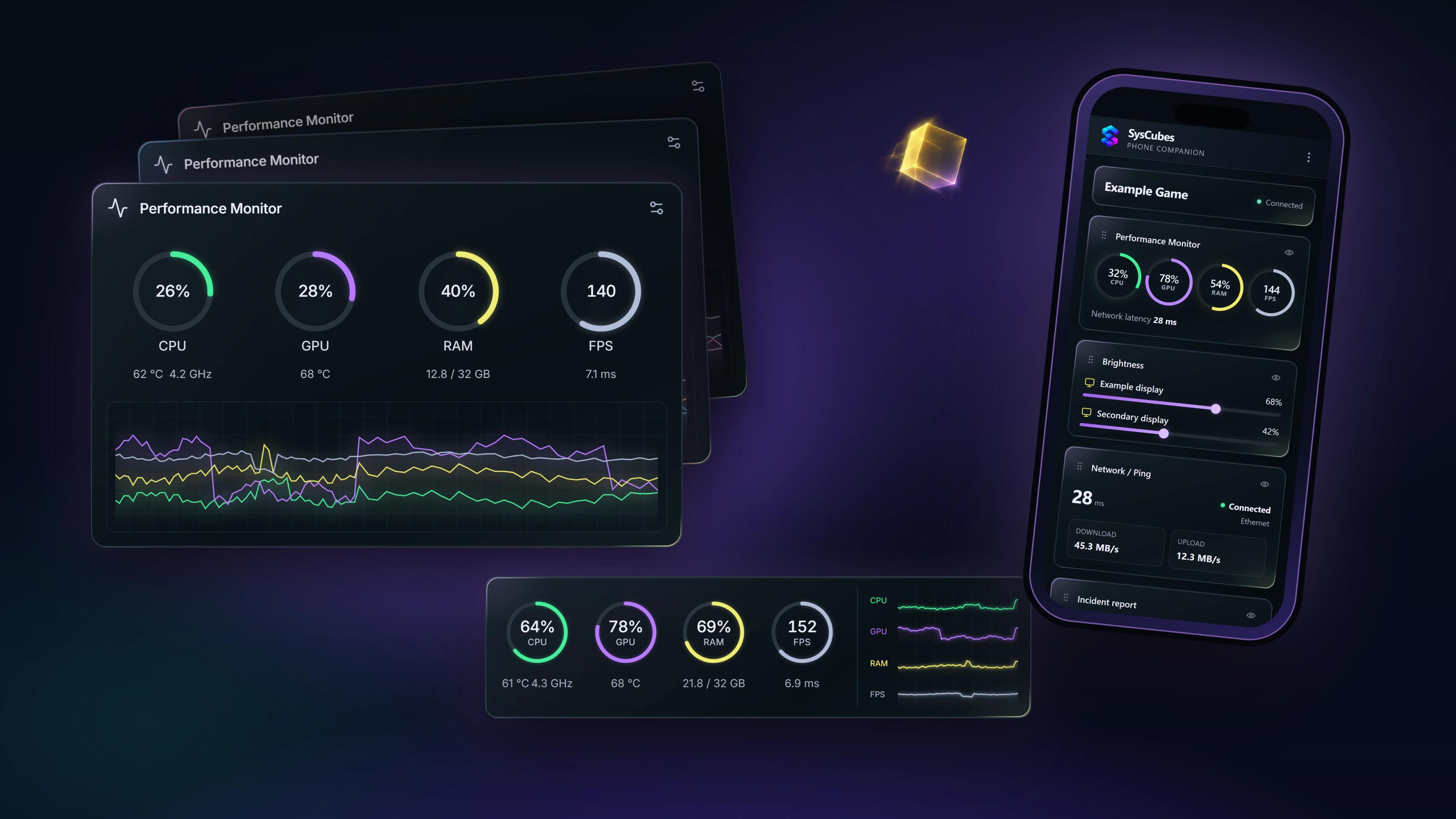
SysCubes vs MSI Afterburner
Bring monitoring, music, app audio and replay capture into a personal dashboard with SysCubes. Compare its everyday workspace with Afterburner's GPU tuning and monitoring role.
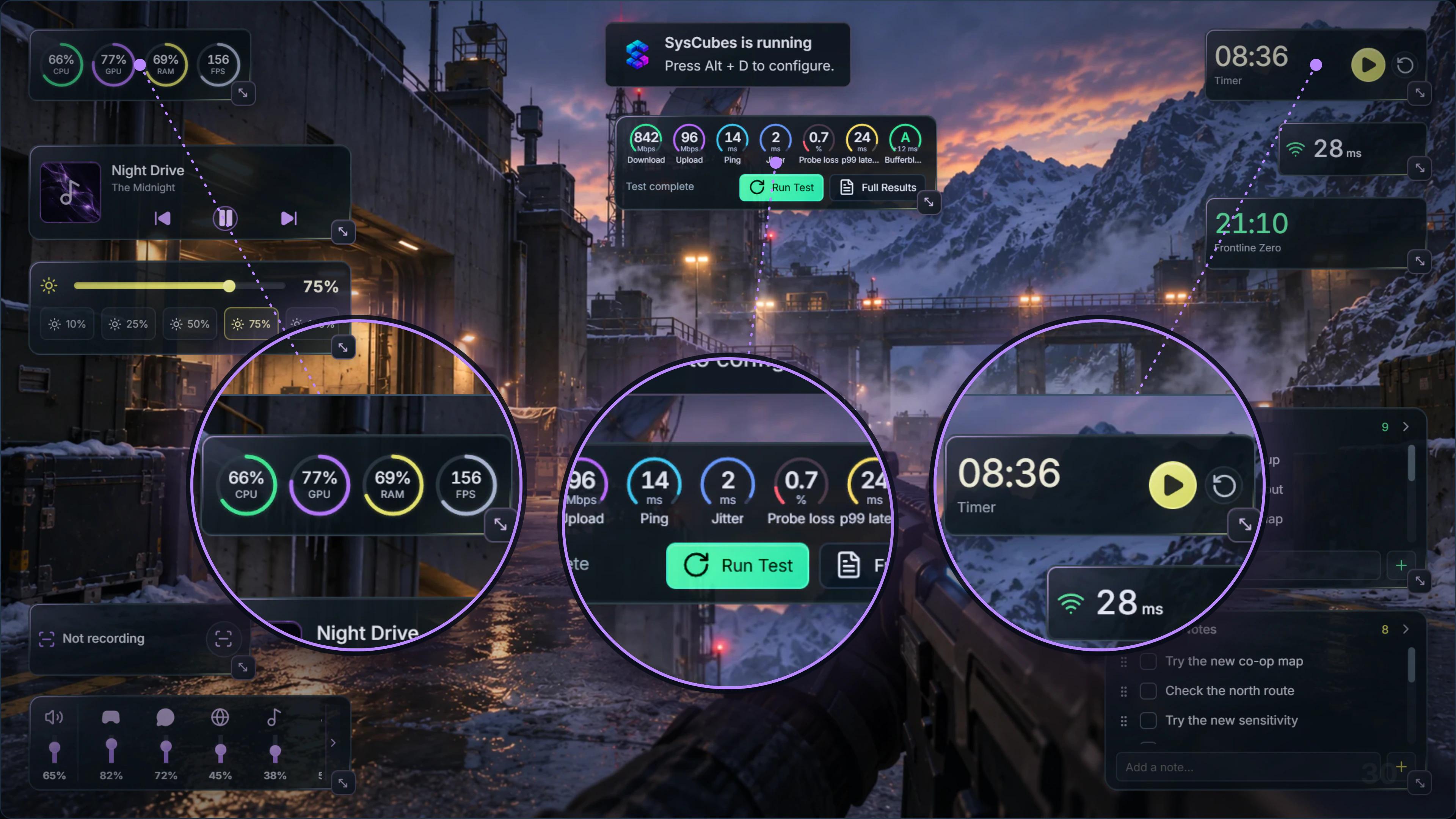
SysCubes vs RivaTuner (RTSS)
Looking for an RTSS alternative? Compare the RivaTuner on-screen display with drag-and-drop FPS and CPU/GPU temperature widgets, plus app volume and clip controls on Windows.
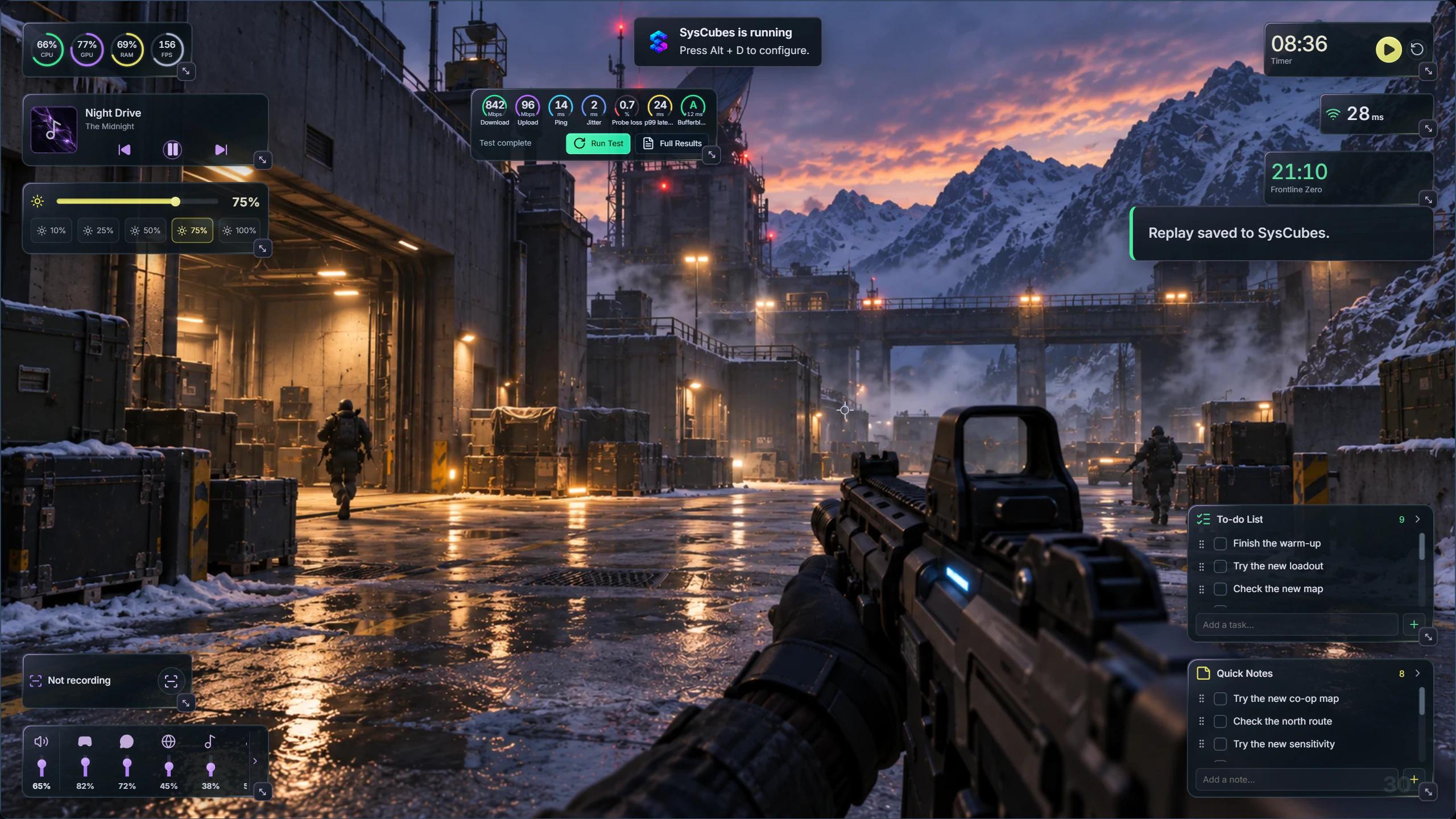
SysCubes vs Medal for Gameplay Clips
Make local replay clips part of the same setup you use for monitoring and audio. Compare the SysCubes workspace with Medal's dedicated clipping, editing and sharing workflow.
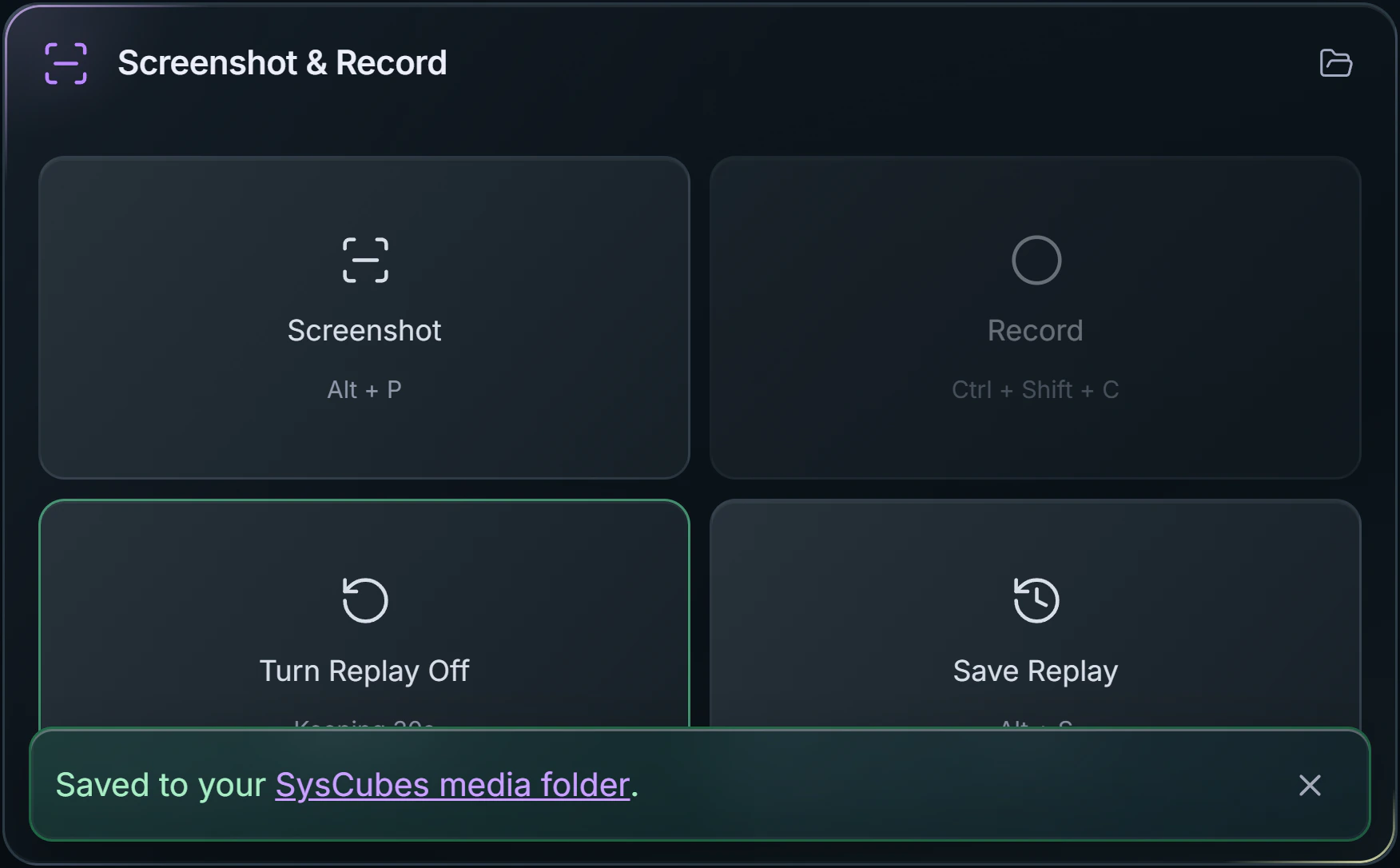
SysCubes vs OBS Studio for Gameplay Clips
Skip complex scene setups, audio track routing, and canvas scaling. Compare SysCubes instant replay buffer with OBS Studio broadcasting suite.
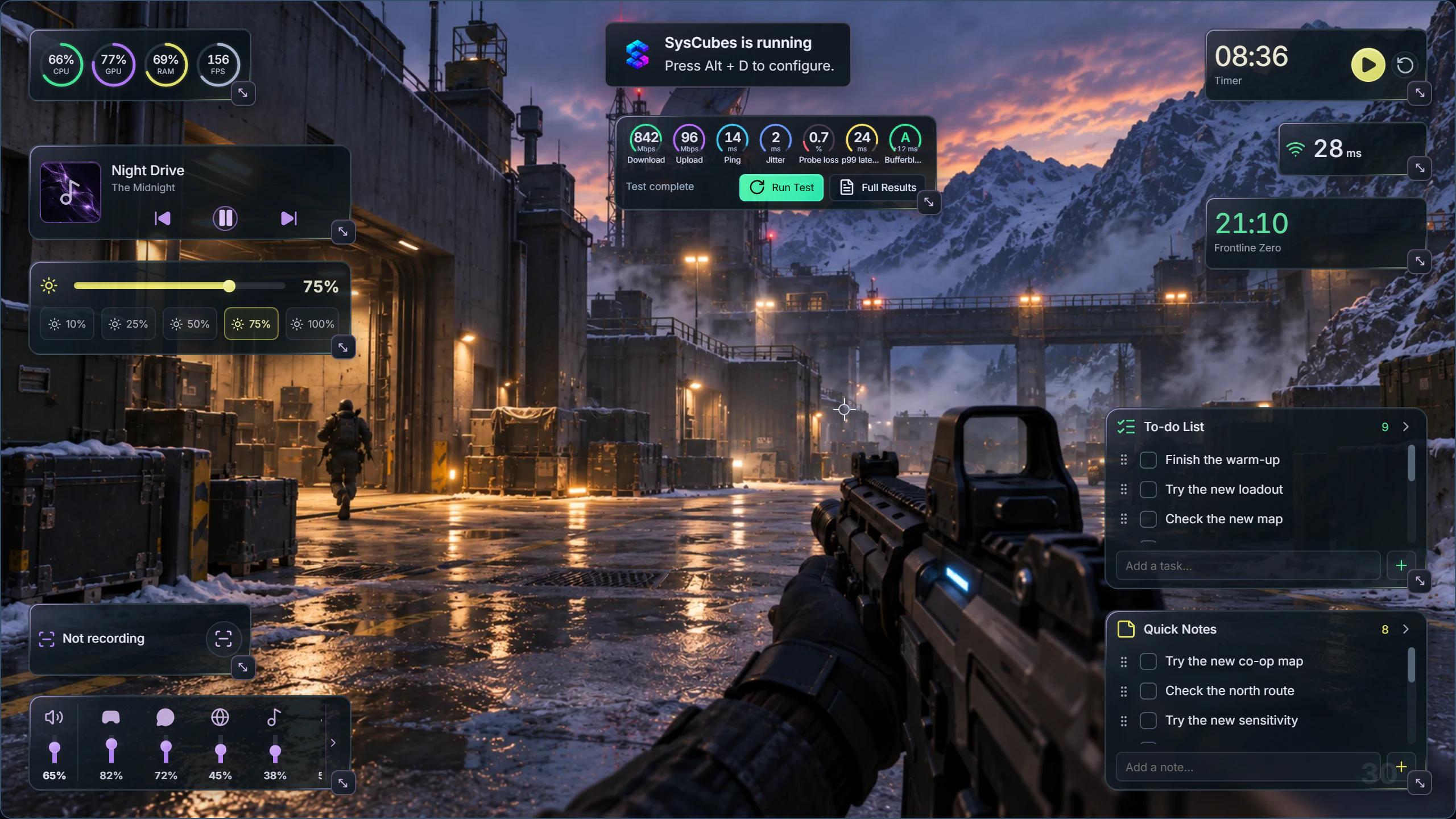
SysCubes vs Xbox Game Bar (Win+G)
Replace buggy Win+G recording errors and audio device resets with a responsive overlay. Compare instant replays, volume mixing, and low RAM overhead.
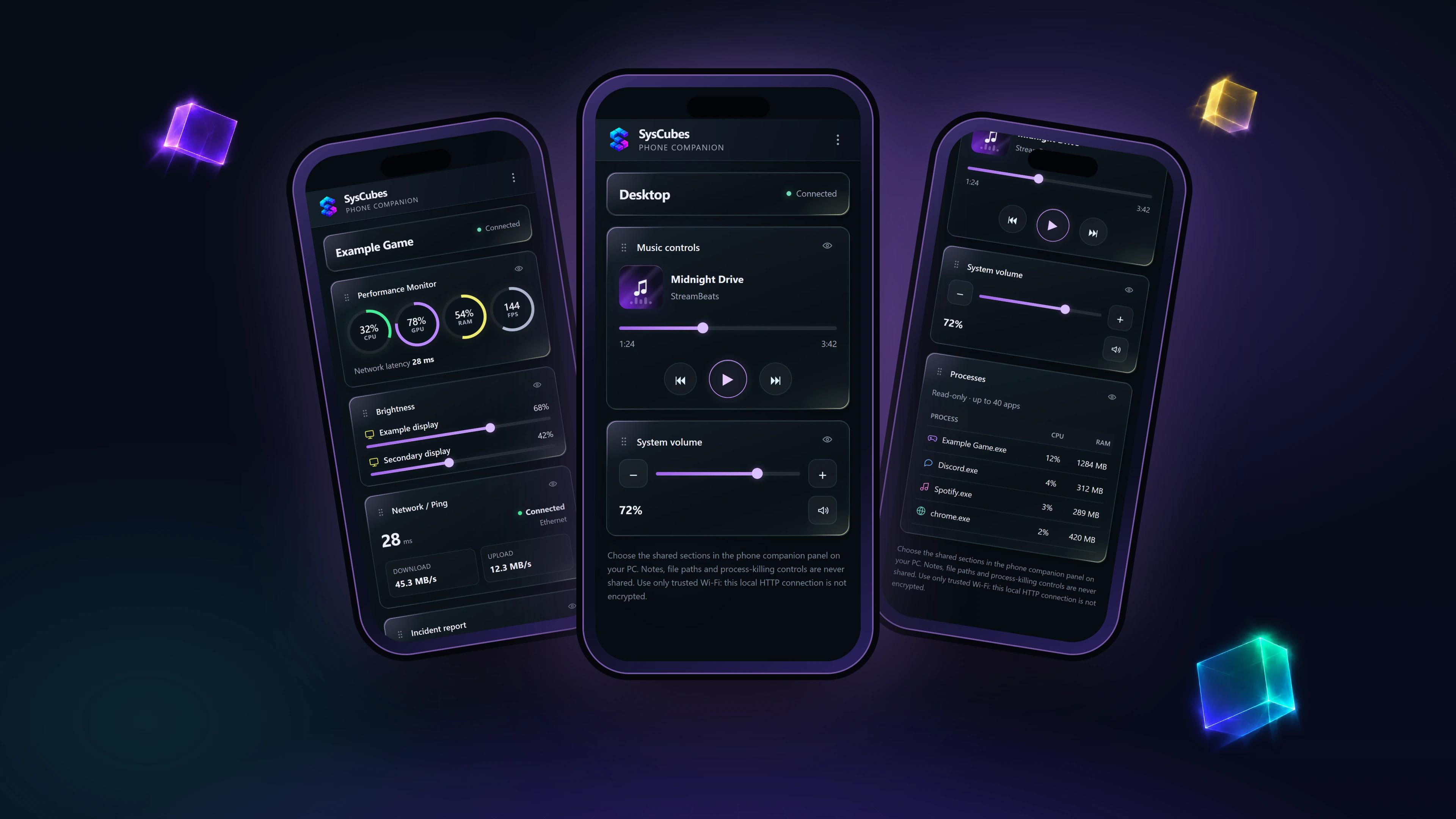
SysCubes vs Elgato Stream Deck Mobile
Use the phone you already own for selected PC readings and controls in a browser. Compare SysCubes Phone Companion with Stream Deck Mobile's button pages, plugins and automation workflow.

SysCubes vs Hone.gg
Looking for a safe Hone alternative? Compare clean in-game telemetry, volume mixing, and replay clipping against risky Windows registry modifications.
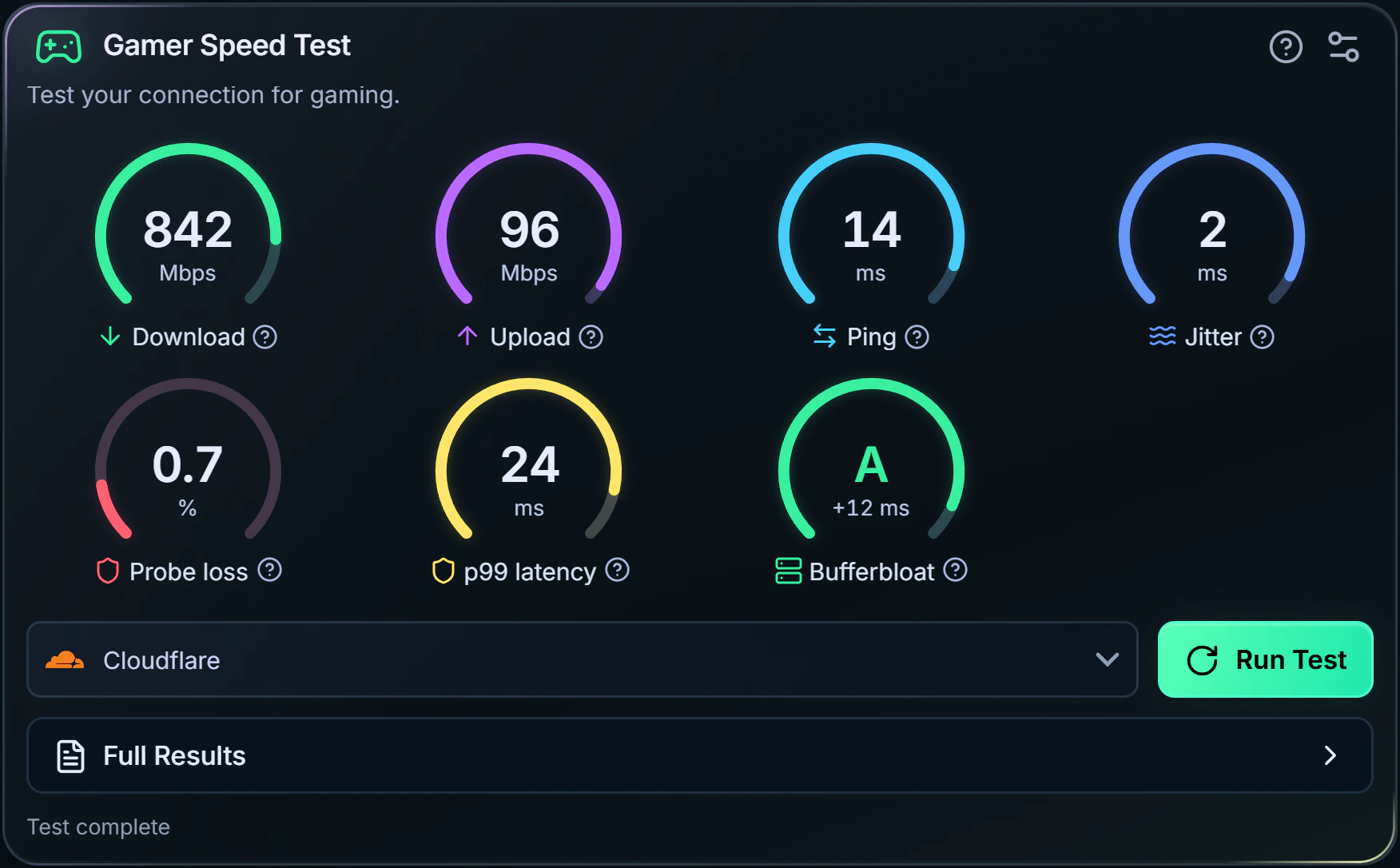
SysCubes vs ExitLag
Diagnose in-game latency, ping spikes, and jitter for free before paying for a routing VPN. Compare real-time network and hardware HUD diagnostics.
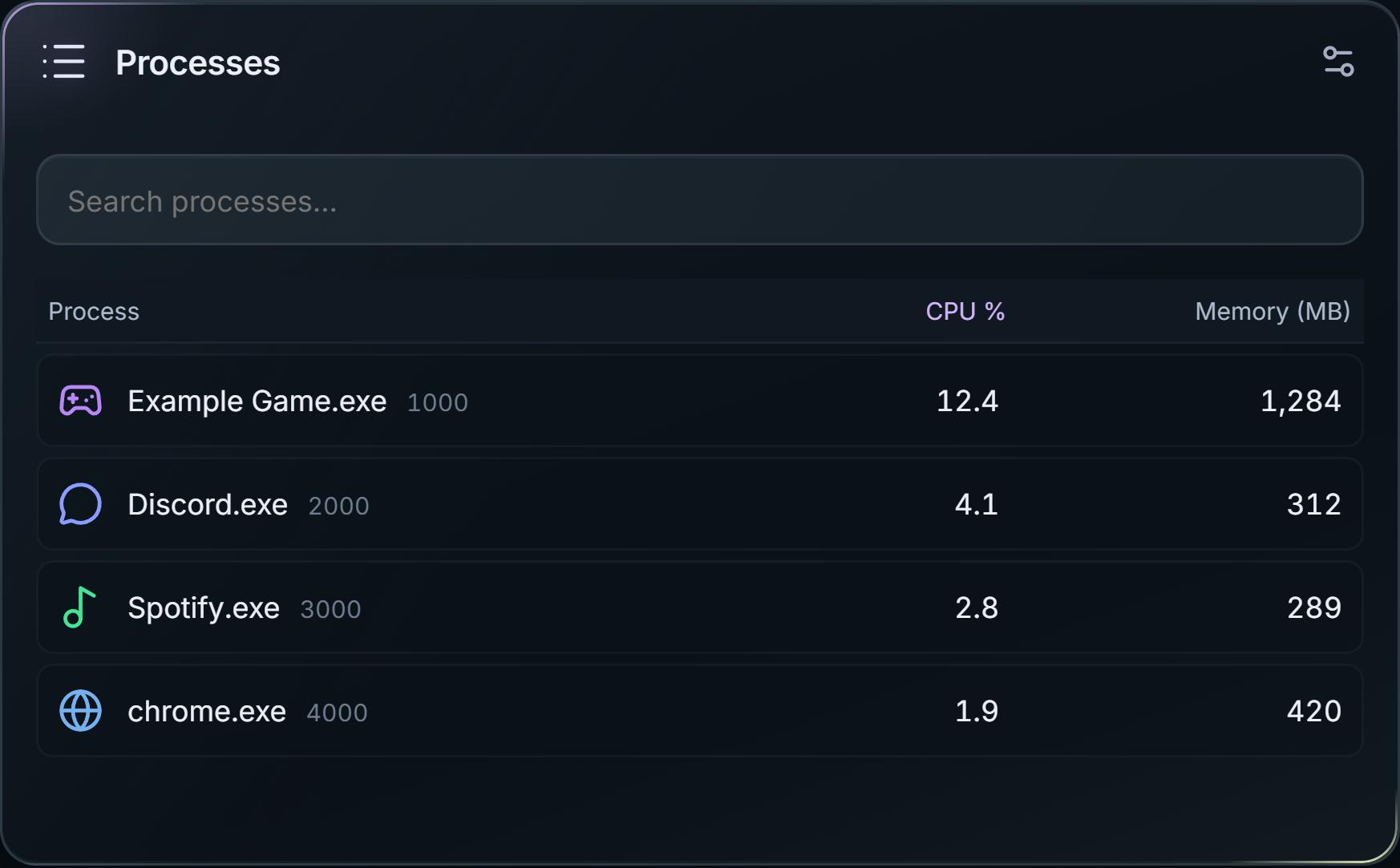
SysCubes vs Razer Cortex
Looking for an ad-free game booster alternative? Compare clean in-game telemetry, volume mixing, and replay clipping against heavy background utilities.
At A Glance
Start With Your Goal
Connect the result you want with the SysCubes feature or comparison that helps you get there.
| Your goal | Read next | What to evaluate |
|---|---|---|
| PC readings and everyday controls together | MSI Afterburner comparison | Choose a personal monitoring workspace, with specialist GPU tools alongside it when needed. |
| Understand your PC while playing | Performance monitor | Read CPU, GPU, RAM, available temperatures and supported game FPS in your chosen layout. |
| Keep a recent gameplay moment | PC game clipping guide | Prepare a 5-40 second replay buffer and save your chosen moment to a local video. |
| Hear your game, team and music clearly | Per-app volume mixer | Balance active app sessions on your default Windows output and save a useful audio preset. |
| Put the spare monitor to work | Second-screen dashboard | Keep your game screen clear while readings, music and controls stay beside you. |
Build a Setup That Works Your Way
Choose the tools you would use every session, explore how they work together, and download SysCubes for Windows free to start customizing your setup today.