
Your controls, close by
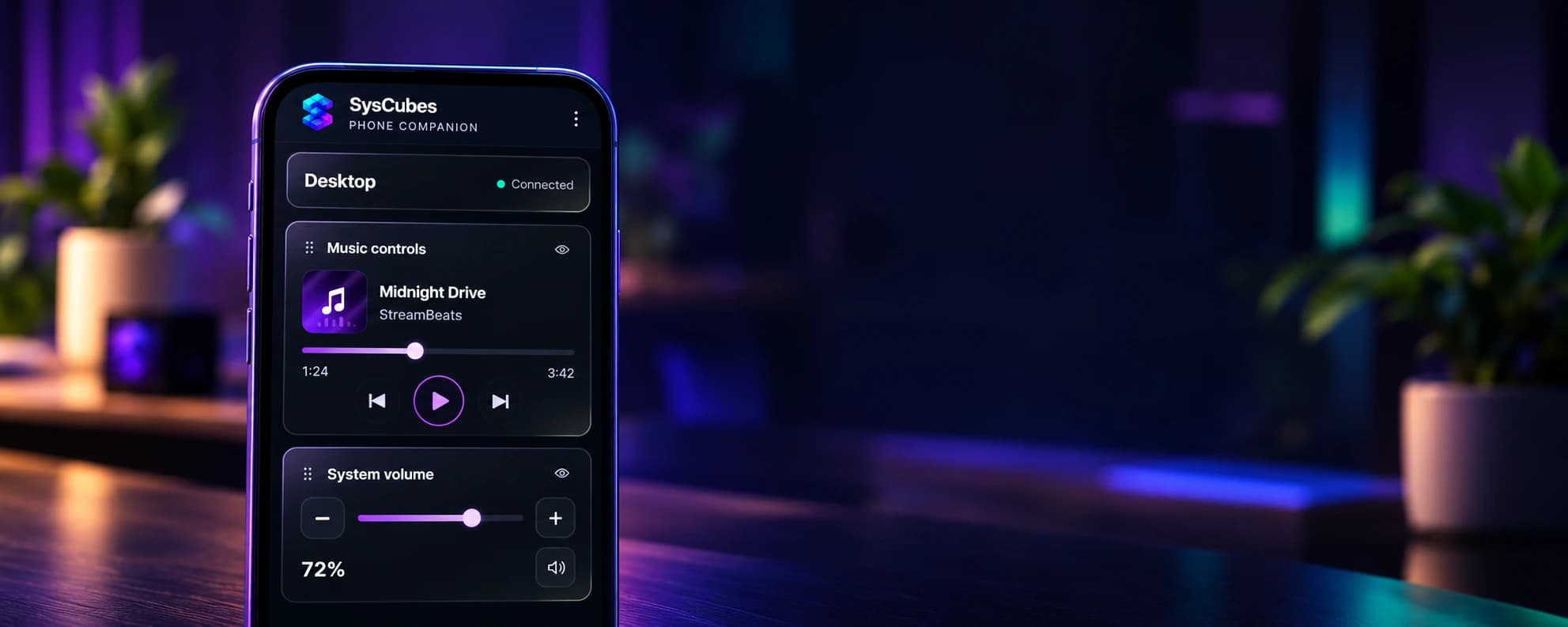
Control supported music playback, adjust system volume and monitor brightness, or glance at performance and network information. Timer, stopwatch and capture controls can also be shared from your PC.
You choose which sections appear on your phone. Notes, file paths and process-killing controls are never shared.
Connect in a few simple steps
- Connect your PC and phone to the same trusted Wi-Fi network.
- Open Phone companion in SysCubes on your PC and start pairing.
- Scan the QR code to open the local companion page in your phone’s browser.
- Enter the pairing code shown on your PC, then choose which sections to share.
If the pairing code expires, start a new pairing from your PC. SysCubes needs to remain running for the phone to connect.
A browser companion on your local network
No separate phone app is required. The companion connects to SysCubes on your PC over the local network.
Use only trusted Wi-Fi. The local HTTP connection is not encrypted. Disconnect and unpair your phone from the companion menu when you no longer want it connected.
Connection lost? Check that both devices are still on the same network and that SysCubes is open. Find more answers in Support.